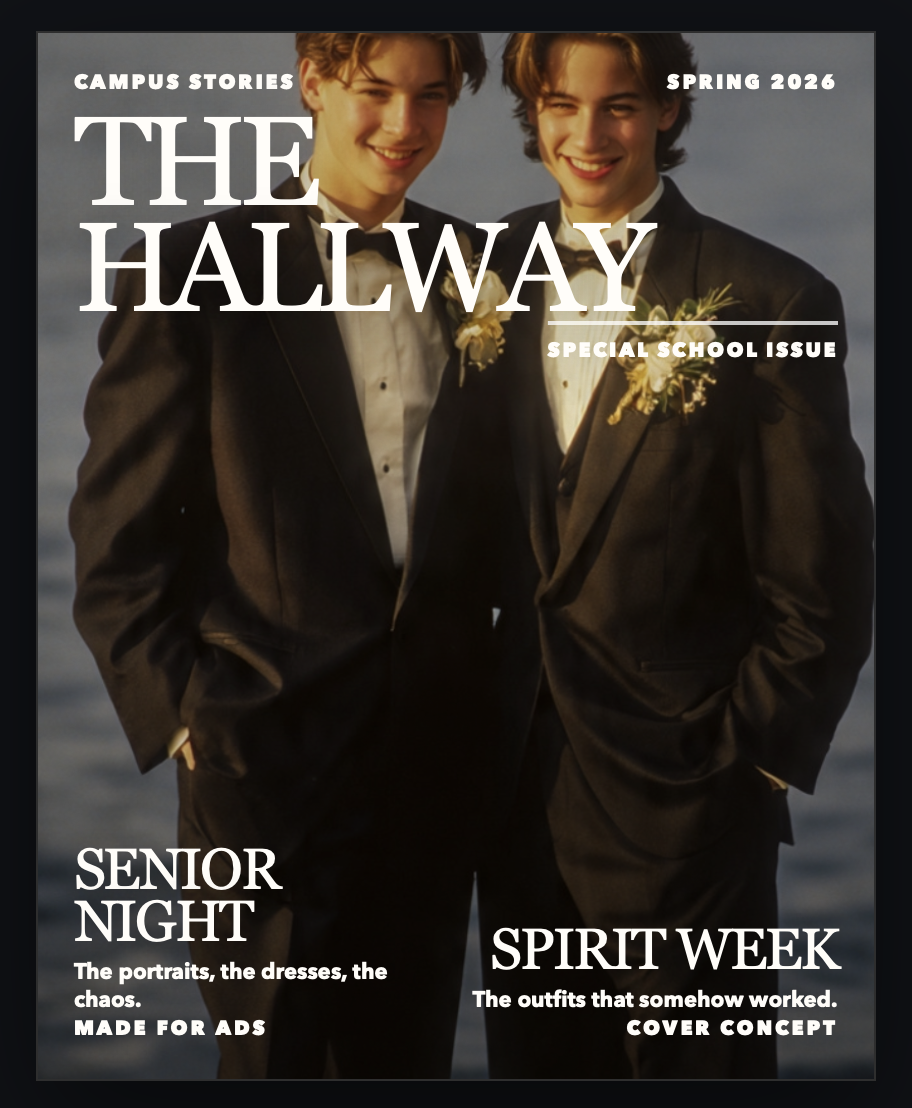
Step one: start with the templates
You do not have to build the whole book from scratch. There are premade templates already waiting, and every part can still be edited however you want.
That means you can start from a real page design and customize instead of staring at a blank screen.
Step two: add your own photos and adjust the page
Choose the photos from your camera roll, event folders, or screenshots and place them into the image boxes.
You can stretch your images into backgrounds, move things around, and keep the process simple if all you want is a few edits.
Step three: edit text only if you want to
The text boxes are already editable, and you can adjust fonts and sizes without turning the process into a big design project.
A lot of people will mostly choose images and only edit a little text, which is completely fine.
Step four: keep it digital or print later
Once the book feels complete, keep the free digital version or choose a printing option later.
Printing is there if you want it, and it should feel easy, but the free digital yearbook is already the main finished product.